リリース告知(自動レイアウト)
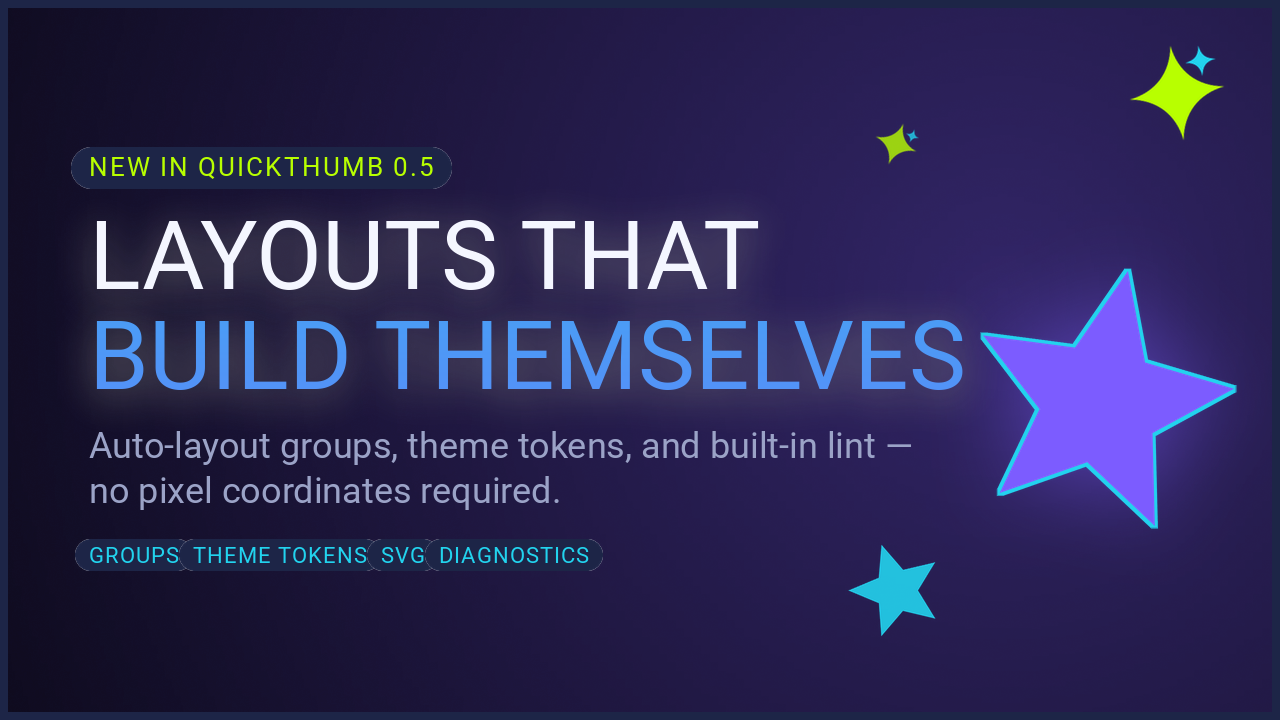
テキストの座標を手で指定しないリリースカードです。見出しの列と機能の行に自動レイアウトを使い、すべての色と文字サイズをthemeブロックから読み込みます。文言やブランドを変えても測り直す必要はありません。
実行するにはuvをインストールし、リポジトリをクローンしてください。
git clone https://github.com/sjquant/quickthumb
cd quickthumb
uv run --extra svg python examples/launch_announcement.py
examples/launch_announcement.pngを保存し、同名ファイルがあれば上書きします。
きらめきの飾りはSVGファイルなので、svg追加機能が必要です。
作り方
- テーマトークン。 色とサイズを
themeで一度定義し、"$theme.colors.blue"や"$theme.sizes.title"として使います。値全体がトークンならJSONの型を維持するため、"$theme.sizes.title"は文字列ではなく数値116になります。 - テキストを列グループにします。 リリースラベル、見出し、副題は、
"direction": "column"、"gap": 22の1つのgroupの子です。グループだけを["7%", "44%"]に配置し、子にはpositionを指定しません。副題が1行増えれば列もそれに合わせて再配置されます。 - 機能は行グループにします。 「01 GROUPS」から「04 DIAGNOSTICS」は
"direction": "row"の別のグループです。名前が変わっても間隔を均等に保ちます。 - 飾りも基本図形です。 円、4本の棒、星は通常の
ellipse、rectangle、starです。きらめきはassets/images/spark.svgをFilter(saturation=0, brightness=3)で白くしています。 - 描画前に検査します。 スクリプトは
canvas.diagnose()を呼び、指摘事項を表示してから描画します。ターミナルでもuv run --extra cli quickthumb lint examples/launch_announcement.jsonで同じ検査を実行できます。
仕様
{
  "kind": "canvas",
  "width": 1280,
  "height": 720,
  "theme": {
    "colors": {
      "paper": "#F5F5F7",
      "ink": "#1D1D1F",
      "blue": "#0066CC",
      "muted": "#515154",
      "rule": "#1D1D1F26"
    },
    "sizes": {
      "title": 116,
      "subtitle": 28,
      "meta": 18,
      "chip": 18
    }
  },
  "layers": [
    {
      "type": "background",
      "color": "$theme.colors.paper",
      "effects": [
        { "type": "grain", "intensity": 0.006, "monochrome": true, "seed": 7 }
      ]
    },
    {
      "type": "shape",
      "shape": "ellipse",
      "position": ["94%", "50%"],
      "width": 460,
      "height": 460,
      "color": "$theme.colors.blue",
      "align": "center"
    },
    {
      "type": "shape",
      "shape": "rectangle",
      "position": ["82%", "35%"],
      "width": 170,
      "height": 12,
      "color": "$theme.colors.paper"
    },
    {
      "type": "shape",
      "shape": "rectangle",
      "position": ["82%", "43%"],
      "width": 112,
      "height": 6,
      "color": "$theme.colors.paper"
    },
    {
      "type": "shape",
      "shape": "rectangle",
      "position": ["82%", "51%"],
      "width": 214,
      "height": 6,
      "color": "$theme.colors.paper"
    },
    {
      "type": "shape",
      "shape": "rectangle",
      "position": ["82%", "59%"],
      "width": 142,
      "height": 6,
      "color": "#FFFFFFB3"
    },
    {
      "type": "shape",
      "shape": "rectangle",
      "position": ["80.5%", "32%"],
      "width": 1,
      "height": 252,
      "color": "#FFFFFF80"
    },
    {
      "type": "svg",
      "path": "assets/images/spark.svg",
      "position": ["80.6%", "35.5%"],
      "width": 16,
      "align": "center",
      "effects": [{ "type": "filter", "saturation": 0.0, "brightness": 3.0 }]
    },
    {
      "type": "shape",
      "shape": "star",
      "position": ["80.6%", "59.5%"],
      "width": 16,
      "height": 16,
      "color": "$theme.colors.paper",
      "align": "center",
      "star_points": 5,
      "inner_radius": 0.42
    },
    {
      "type": "group",
      "direction": "column",
      "gap": 22,
      "position": ["7%", "44%"],
      "align": ["left", "middle"],
      "children": [
        {
          "type": "text",
          "content": "QUICKTHUMB 0.5  /  RELEASE",
          "size": "$theme.sizes.meta",
          "color": "$theme.colors.muted",
          "weight": 700,
          "letter_spacing": 3,
          "align": "left"
        },
        {
          "type": "text",
          "content": [
            { "text": "Layouts that\n", "color": "$theme.colors.ink", "weight": 700 },
            { "text": "build themselves.", "color": "$theme.colors.blue", "weight": 700 }
          ],
          "size": "$theme.sizes.title",
          "color": "$theme.colors.ink",
          "weight": 700,
          "line_height": 1.02,
          "letter_spacing": -3,
          "align": "left"
        },
        {
          "type": "text",
          "content": "Auto-layout groups, theme tokens, and built-in lint —\nno pixel coordinates required.",
          "size": "$theme.sizes.subtitle",
          "color": "$theme.colors.muted",
          "line_height": 1.35,
          "align": "left"
        }
      ]
    },
    {
      "type": "shape",
      "shape": "rectangle",
      "position": ["7%", "83%"],
      "width": 860,
      "height": 1,
      "color": "$theme.colors.rule"
    },
    {
      "type": "group",
      "direction": "row",
      "gap": 54,
      "position": ["7%", "88%"],
      "align": ["left", "middle"],
      "children": [
        {
          "type": "text",
          "content": "01  GROUPS",
          "size": "$theme.sizes.chip",
          "color": "$theme.colors.ink",
          "weight": 700,
          "letter_spacing": 1
        },
        {
          "type": "text",
          "content": "02  TOKENS",
          "size": "$theme.sizes.chip",
          "color": "$theme.colors.ink",
          "weight": 700,
          "letter_spacing": 1
        },
        {
          "type": "text",
          "content": "03  SVG",
          "size": "$theme.sizes.chip",
          "color": "$theme.colors.ink",
          "weight": 700,
          "letter_spacing": 1
        },
        {
          "type": "text",
          "content": "04  DIAGNOSTICS",
          "size": "$theme.sizes.chip",
          "color": "$theme.colors.ink",
          "weight": 700,
          "letter_spacing": 1
        }
      ]
    }
  ]
}
スクリプト
"""
JSON-first launch announcement card.

Exercises the quickthumb 0.5 feature set in a single themed spec:
- A top-level `theme` block with `$theme.*` token references across layers
- Auto-layout `group` layers for the headline column and feature row — no
  hand-placed coordinates inside either text group
- `star` shape primitives and decorative `svg` layers
- Film grain on the base background
- `canvas.diagnose()` before rendering, mirroring `quickthumb lint`
"""

import os

from quickthumb import Canvas

FILE_DIR = os.path.dirname(__file__)
REPO_DIR = os.path.abspath(os.path.join(FILE_DIR, ".."))
SPEC_PATH = os.path.join(FILE_DIR, "launch_announcement.json")
OUTPUT_PATH = os.path.join(FILE_DIR, "launch_announcement.png")

os.environ["QUICKTHUMB_FONT_DIR"] = os.path.join(REPO_DIR, "assets", "fonts")
os.environ["QUICKTHUMB_DEFAULT_FONT"] = "Roboto"

with open(SPEC_PATH, encoding="utf-8") as f:
    json_spec = f.read()

previous_cwd = os.getcwd()

try:
    # The checked-in JSON spec uses repo-relative asset paths to stay easy to read.
    os.chdir(REPO_DIR)
    canvas = Canvas.from_json(json_spec)

    findings = canvas.diagnose().findings
    for finding in findings:
        print(
            f"[{finding.severity}] layer {finding.layer_index}: {finding.code} — {finding.message}"
        )
    if not findings:
        print("✓ diagnose(): no layout or legibility issues")

    canvas.render(OUTPUT_PATH)
finally:
    os.chdir(previous_cwd)

print(f"✓ Launch announcement card created: {OUTPUT_PATH}")
print(f"  Spec source: {SPEC_PATH}")