Presentations and video
Create a thumbnail, a browser presentation, and an animated video from related layouts. The Orbit Atlas example produces these results:
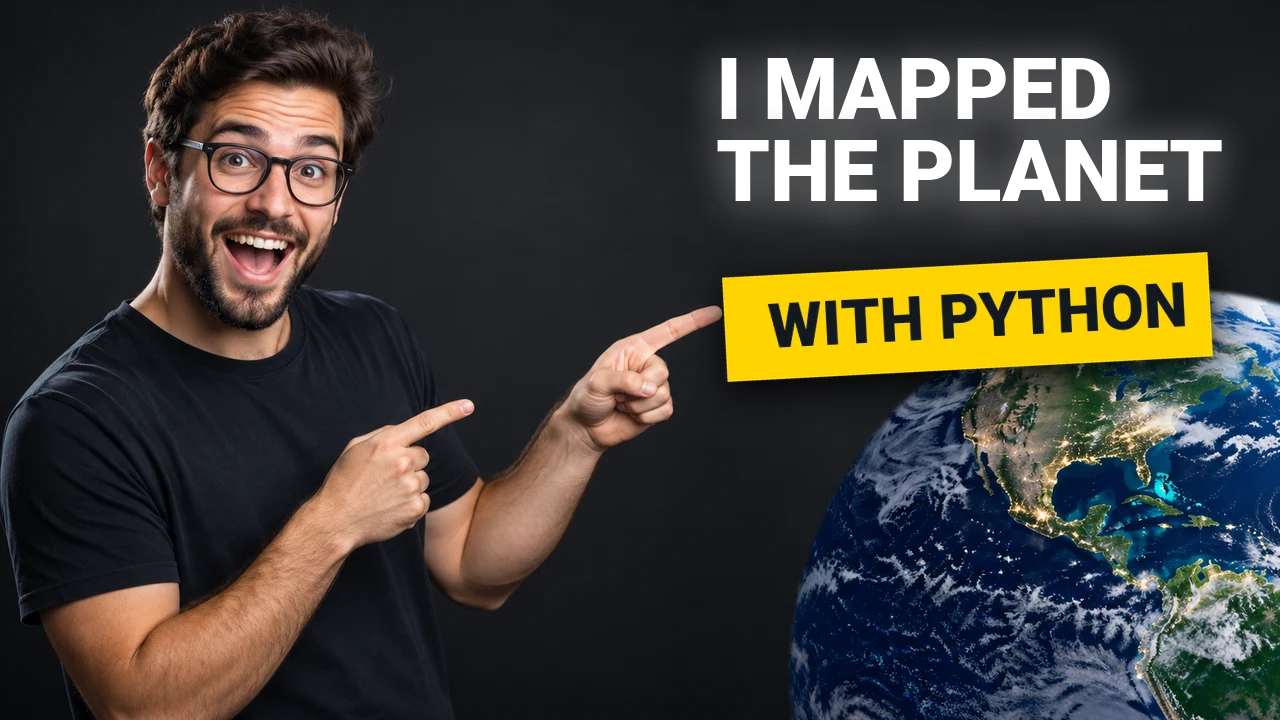
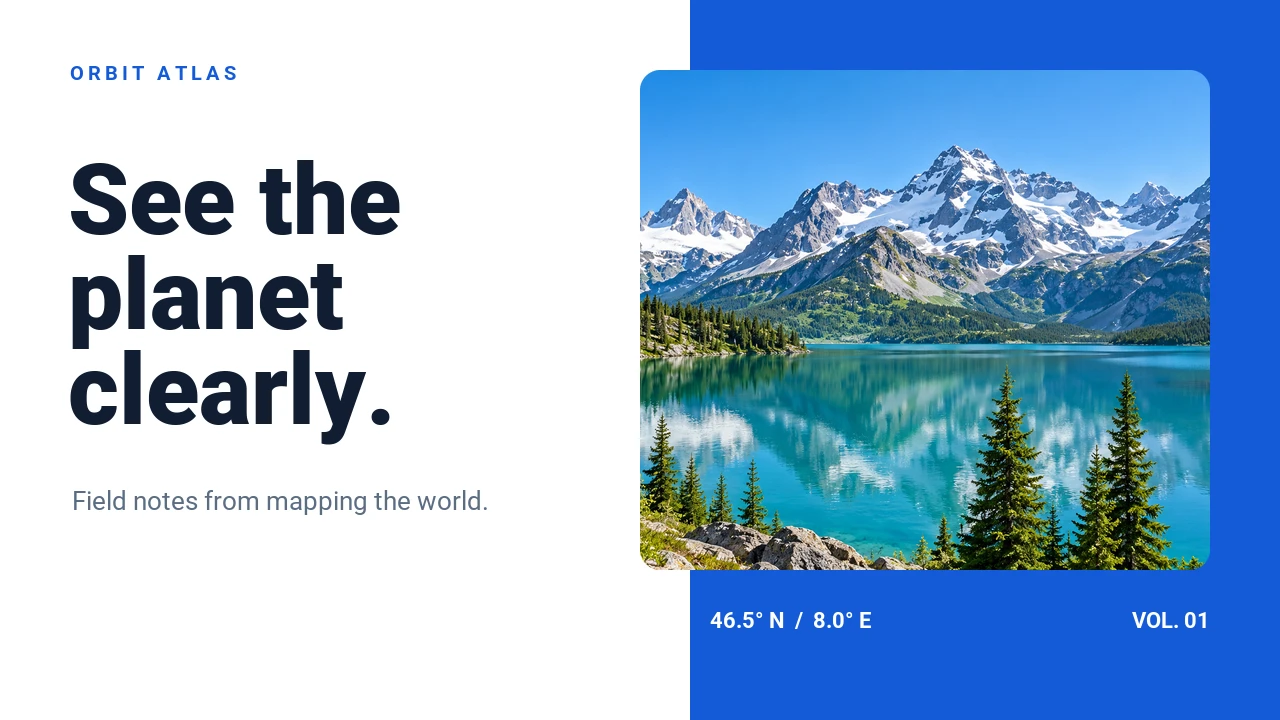
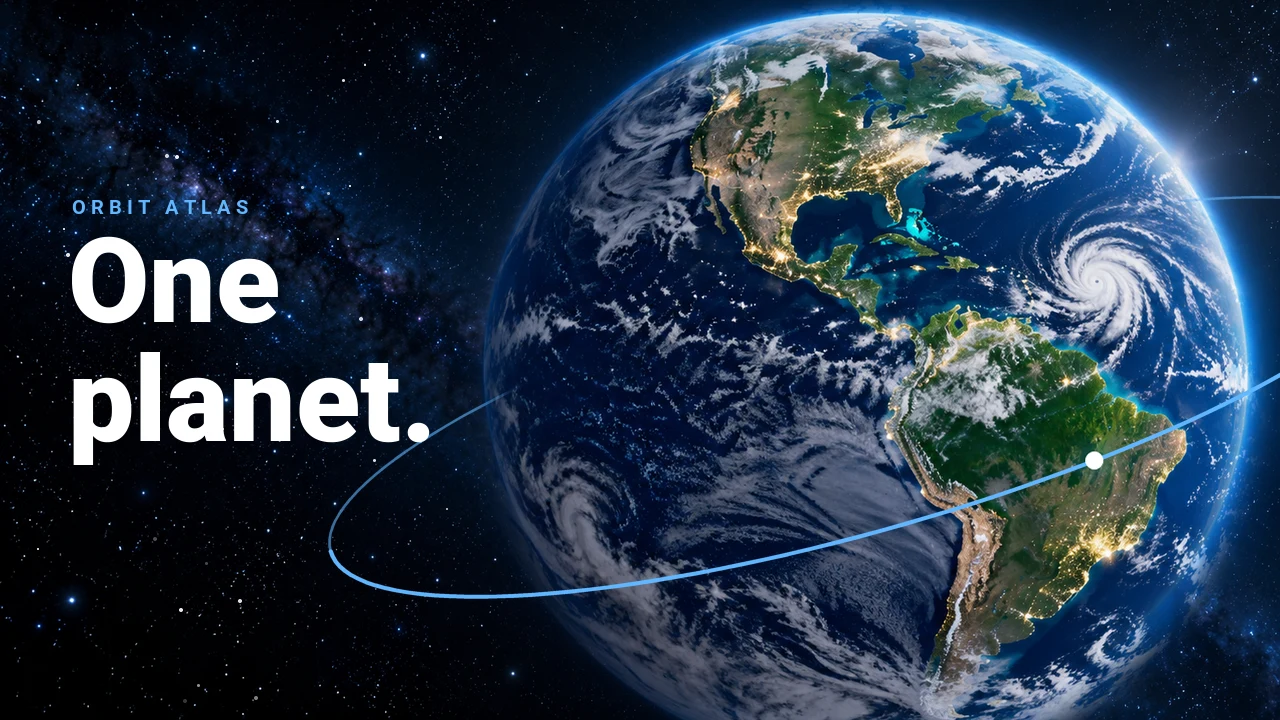
Start with this small example: it renders one image, a two-slide browser
presentation, and an animated GIF using the base package and built-in font.
Save it as creative_starter.py and run it in the directory where you want the
files; it replaces files with the same names.
"""Render an image, a two-slide presentation, and an animated GIF.

Run from any directory: python /path/to/creative_starter.py
The files are written to the current directory and replaced on subsequent runs.
"""

from quickthumb import Canvas, Deck, Fade, GifOptions


def slide(title: str, subtitle: str) -> Canvas:
    return (
        Canvas(960, 540)
        .background(color="#155BD7")
        .text(title, size=82, color="#FFFFFF", position=(64, 150), animation=Fade(duration=0.5))
        .text(subtitle, size=32, color="#D5E5FF", position=(64, 300))
    )


first = slide("Make an idea visible.", "One canvas, many possibilities.")
second = slide("Keep the story moving.", "Bring canvases together in a deck.")
deck = Deck(960, 540).slide(first).slide(second)

first.render("creative-starter.png")
deck.render("creative-starter.html")
first.render("creative-starter.gif", animation=GifOptions(fps=10, hold=1))
Open creative-starter.png, creative-starter.html, and creative-starter.gif
in the working directory. These starter outputs use a simple text layout; the
previews above come from the fuller Orbit Atlas example below.
The complete examples below use the same Canvas and Deck APIs. Their scripts, fonts, images, and audio are in the repository. Install uv and clone the repository to run them:
Cleaner Future
One script renders a creator thumbnail, a four-slide presentation, and a short animated video. The photographs are AI-generated; the text, shapes, layout, and animation are composed with quickthumb. The bar chart is illustrative, not real sustainability data.
uv run --no-default-groups python examples/cleaner_future.py --output-dir /tmp/cleaner-future --video
The script writes python-for-creators.png, four slide PNGs,
cleaner-future.html, and brighter-planet.mp4. Existing files with those
names are replaced. Video export requires FFmpeg on PATH. To also create an
editable PowerPoint presentation, install the pptx extra and add --pptx:
uv run --no-default-groups --extra pptx python examples/cleaner_future.py --output-dir /tmp/cleaner-future --video --pptx
The video animates the headline and accent over a still Earth image; it has no audio. See the complete source and the export guide for format details and fallbacks.
Orbit Atlas
One script renders two thumbnails, a four-slide deck, and a video with sound for a fictional mapping studio. All figures are illustrative. The bundled source images, including the people, are AI-generated; the type, shapes, and motion are quickthumb layers. The soundtrack is Fupi's CC0 "Synthwave House Loop", retimed to the film's 128 BPM. The audio source notes record the source and changes.
The script writes orbit-thumbnail-planet.webp, orbit-thumbnail-visuals.webp, four
orbit-slide-*.webp files, orbit-deck.html, orbit-film.mp4,
orbit-film-poster.webp, and three orbit-film-frame-*.webp stills, replacing
files with those names. Video needs FFmpeg on
PATH or in QUICKTHUMB_FFMPEG; pass --stills to skip it. For PowerPoint, add
--extra pptx to uv run and --pptx to the script.
Text entrances can look different in HTML and PowerPoint. Check the deck in its target app; see export details for fallbacks and the complete source to adapt the example.
Investor deck
The Vela example builds ten slides with transitions and speaker notes. All company data is illustrative. It exports an interactive HTML presentation and a PowerPoint file from the same deck.
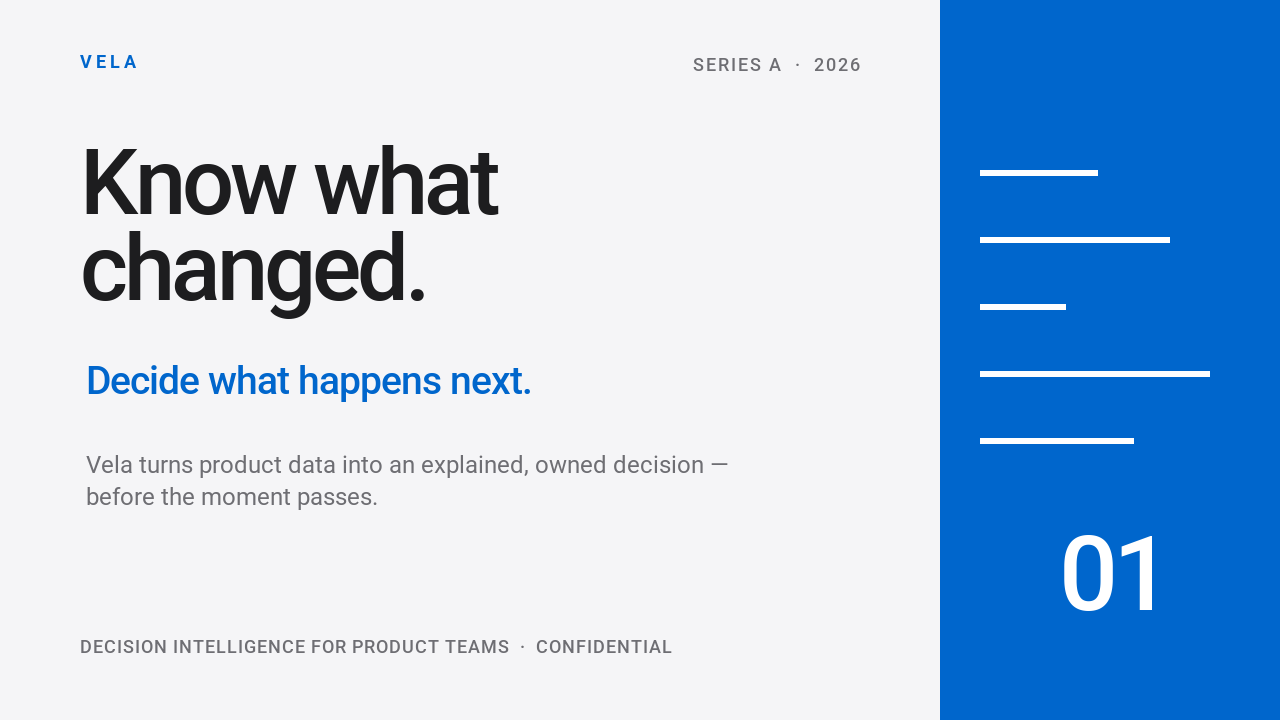
Open examples/investor_deck.html in a browser or
examples/investor_deck.pptx in PowerPoint. The script overwrites these files
when run again. See the complete source
and the Deck API.
PowerPoint output requires the pptx extra. Some effects or transitions may use
fallbacks in a given format; consult the export guide for details.
Product reel
This 35-second vertical product video combines eight scenes with animated text, charts, transitions, voiceovers, and a soundtrack. Play the actual output:
The script writes GIF, HTML, PowerPoint, MP4, and WebM files in examples/,
replacing outputs of the same name. MP4 and WebM need FFmpeg on PATH;
PowerPoint needs the pptx extra. The complete source
uses bundled fonts and audio. Read about video exports and
animation timing to adapt it.