Python and JSON image rendering
quickthumb
Programmatic thumbnail and social image generation with layered composition, deterministic exports, and validation built for AI-assisted creative workflows.
- Python API
- JSON specs
- SVG · PPTX · PDF

Workflow
Compose once, render across formats
Build with a chainable Python API, then move the same composition model into JSON specs for automation and review.
Layered canvas
Backgrounds, text, images, shapes, SVGs, groups, and outlines stack in call order.
AI-ready specs
JSON specs use the same renderer as Python, so generated layouts stay reviewable and testable.
Preflight checks
Diagnostics catch off-canvas layers, tiny text, and contrast issues before export.
Gallery
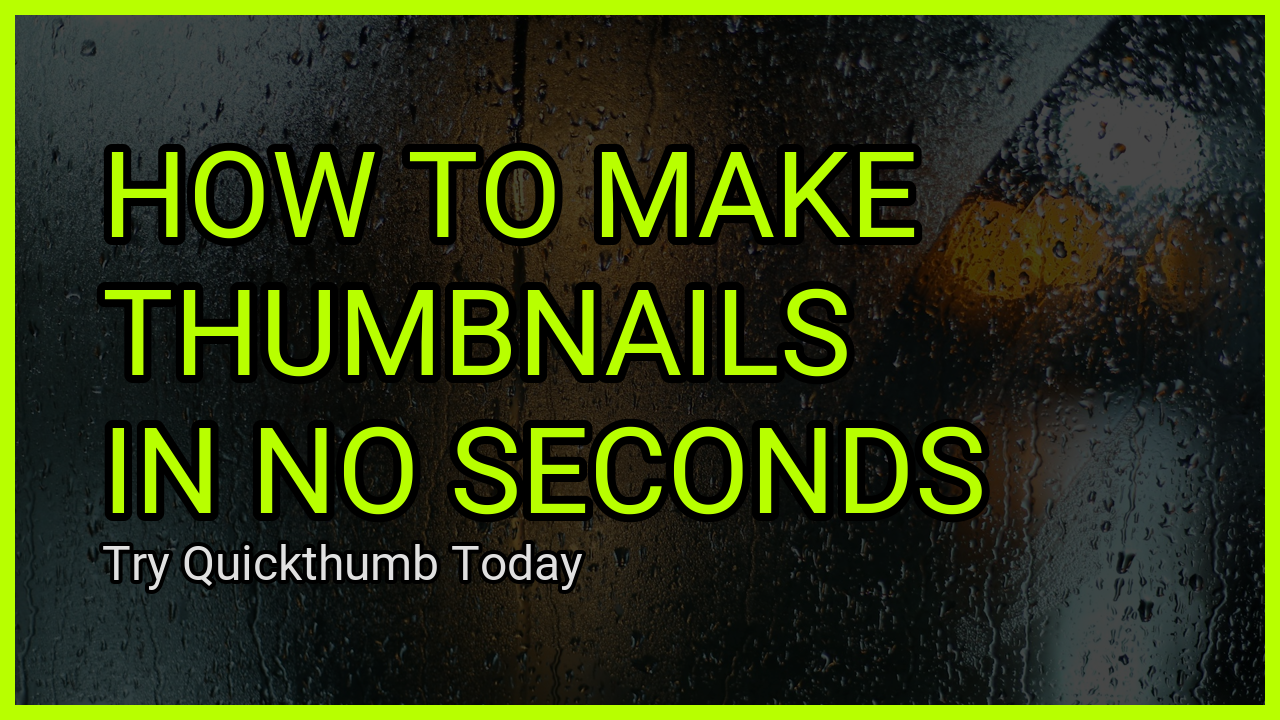
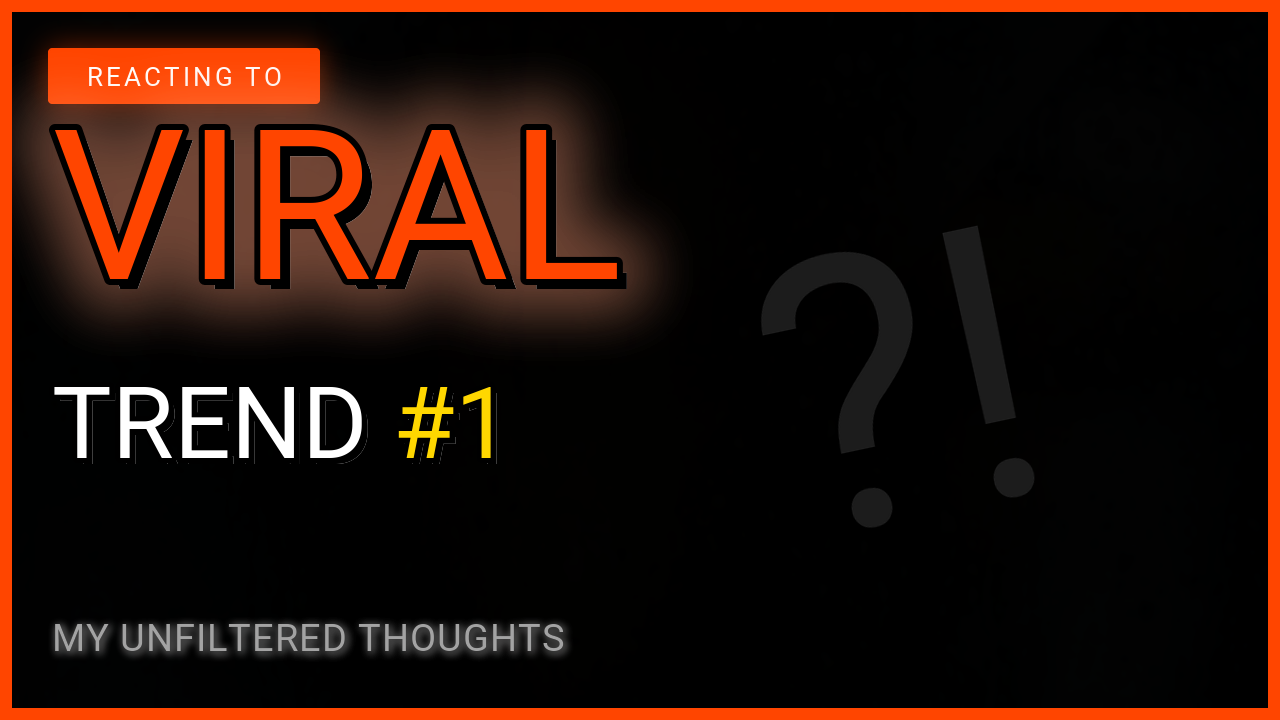
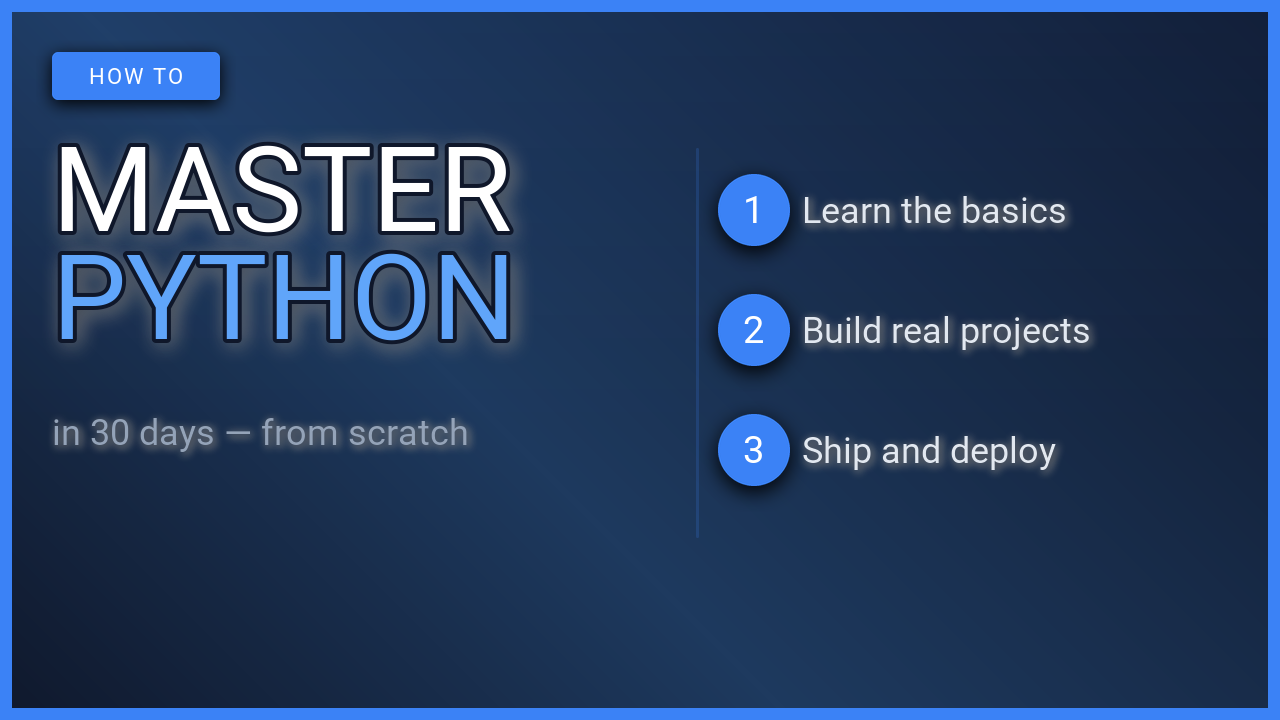
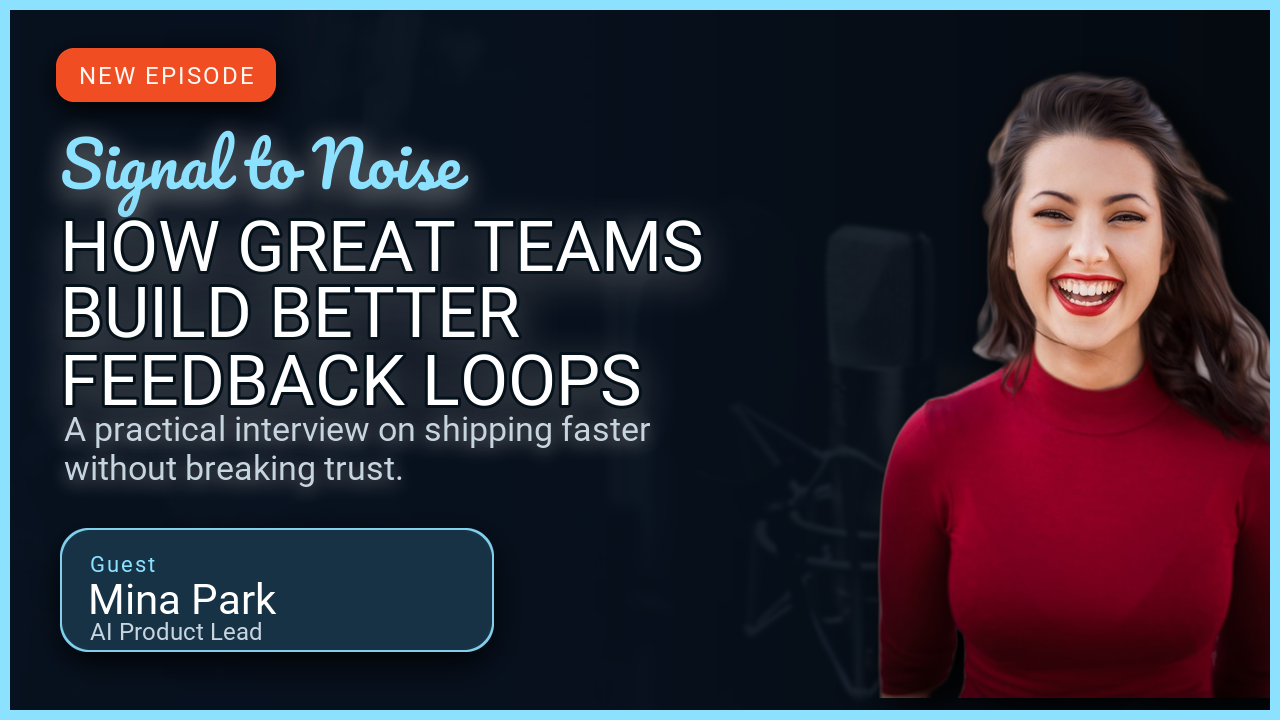
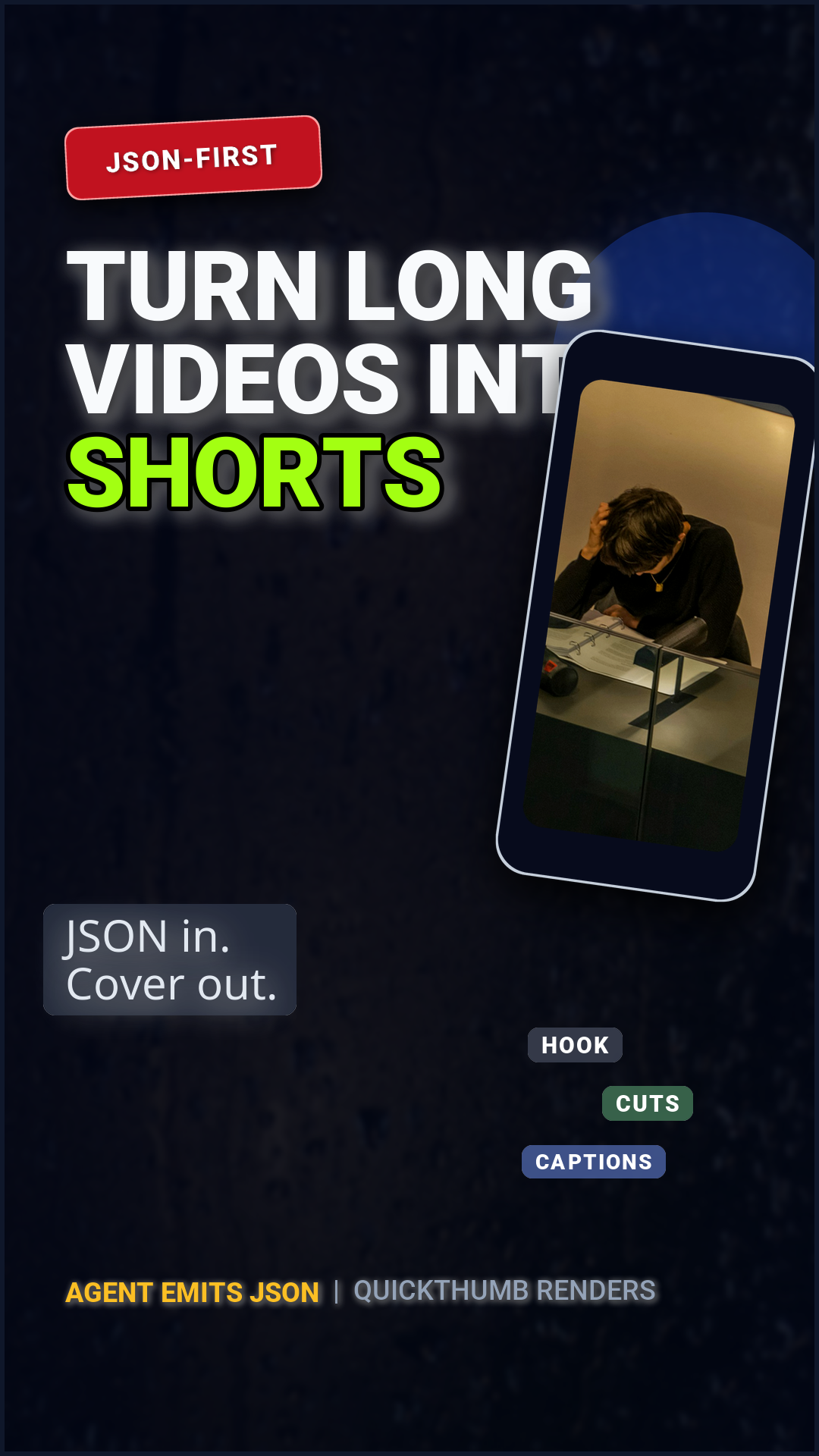
Generated social formats

Quick Start
Render from a chainable canvas
Start with Python for local composition, then use JSON specs when layouts need to be generated, linted, or reused by other systems.
from quickthumb import Canvas, Filter, Stroke, TextPart

canvas = (
    Canvas.from_aspect_ratio("16:9", base_width=1280)
    .background(color="#061226")
    .background(color="#000000", opacity=0.45)
    .text(
        content=[
            TextPart(
                text="BUILD THUMBNAILS\nFAST\n",
                color="#B8FF00",
                effects=[Stroke(width=8, color="#000000")],
            ),
            TextPart(text="With Python or JSON specs", color="#F5F5F5", size=44),
        ],
        size=112,
        position=("8%", "50%"),
        align=("left", "middle"),
        weight=900,
    )
    .outline(width=14, color="#B8FF00")
)

canvas.render("thumbnail.png")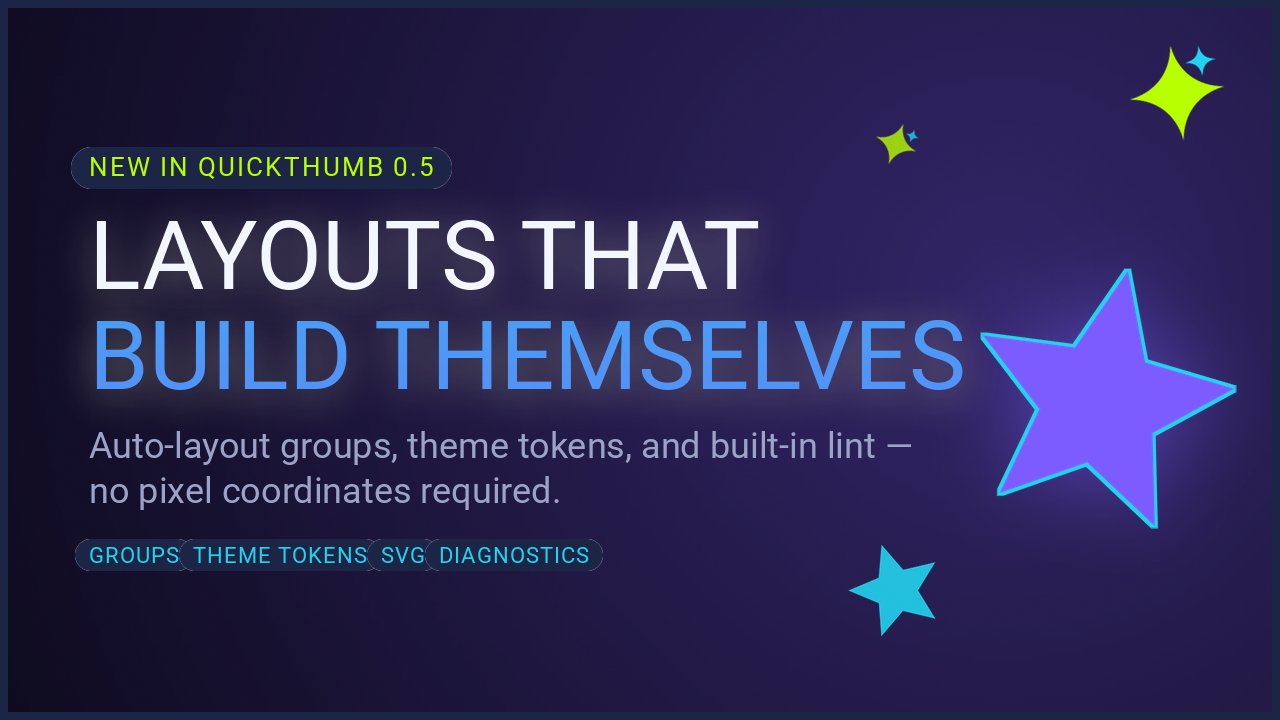
Auto Layout
Specs that survive copy changes
Group layers and theme tokens keep layouts resilient as titles, badges, and brand colors change across campaigns.
Read the recipe